Weekly timesheet form for hours by project
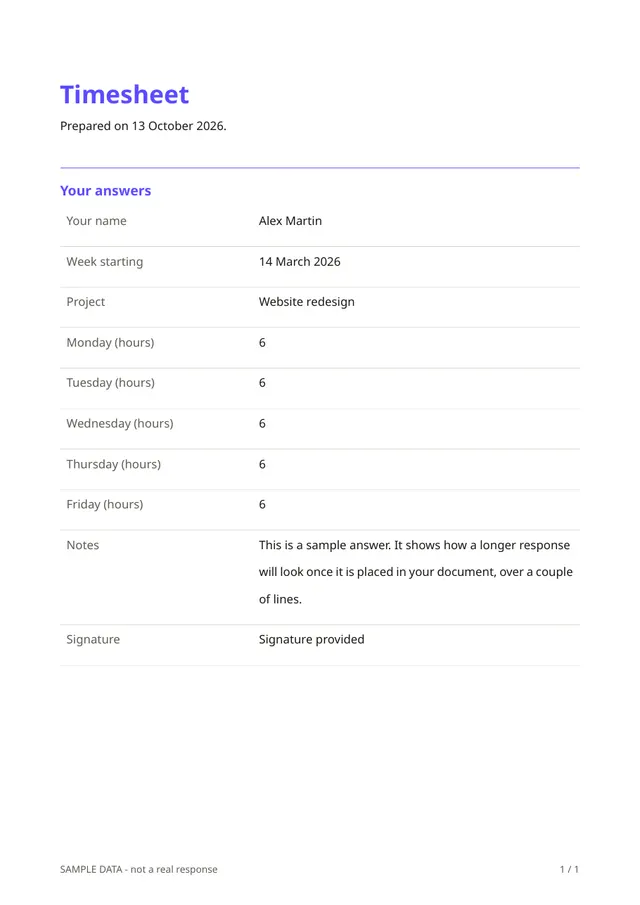
A timesheet should take a minute to fill in. This compact form asks for the person's name, the week's starting date, the project, the hours worked on each day from Monday to Friday, notes and a signature.
Who it is for
- Freelancers and contractors billing by the hour
- Small teams that track time per project
- Managers who approve hours before invoicing or paying
When to use it
Have people complete it at the end of each week, one form per project. The signed PDFs provide a simple basis for invoices, or for checking a contractor's bill against the hours reported.
What the form asks
Questions
- Your name · requiredShort text
- Week starting · requiredDate
- Project · requiredShort text
- Monday (hours)Number
- Tuesday (hours)Number
- Wednesday (hours)Number
- Thursday (hours)Number
- Friday (hours)Number
- NotesLong text
- Signature · requiredSignature
Every question can be changed, removed or reordered before you publish.
The PDF your respondents receive
The PDF shows the week, the project, the hours per day and the signature. You can keep it with the project file or attach it to an invoice as supporting detail.
Questions people ask
- Does it add up the hours?
- Not in this template. The hours for each day are entered separately. Add them yourself or in a spreadsheet export.
- Does it include weekends?
- The template covers Monday to Friday. You can add questions for Saturday and Sunday.
- Can it be used for payroll?
- It is a simple record, not a payroll tool. Payroll rules vary, and an accountant can tell you what you need.
Start from this template
Create an account, adapt the questions and the document to your business, then share the link. Your respondents get their PDF the moment they finish.