Quote, invoice and expense form templates with PDF
Money documents should be quick to make and impossible to get wrong. These templates let you enter the lines, the quantities and the prices once, work out the subtotal, the VAT and the total automatically, and produce a PDF with your details and your look.
3 templates in this category
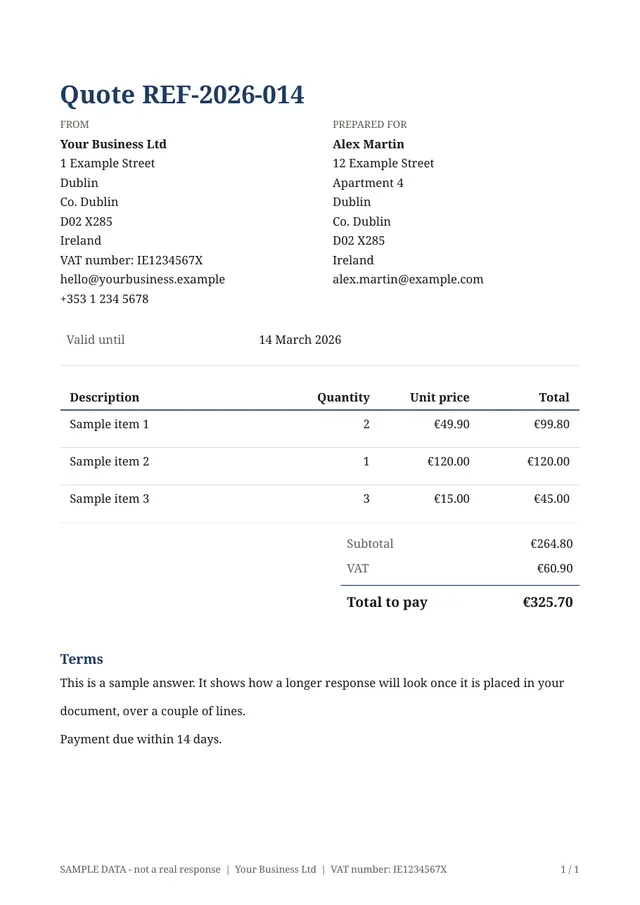 Quote with totalsLines of work with quantities and prices; subtotal, VAT and total are worked out for you.
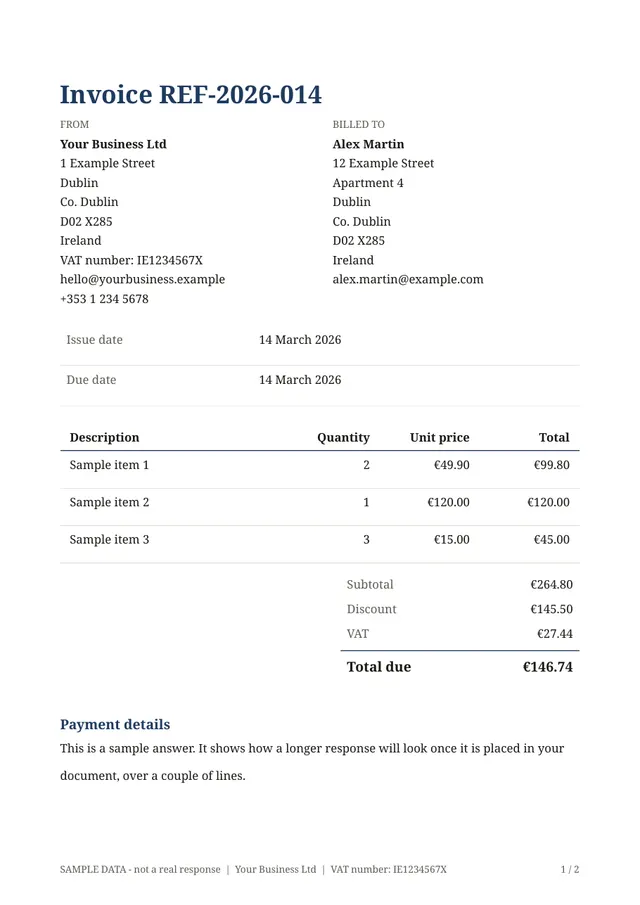 Invoice with totalsAn invoice with lines, an optional discount, VAT and the total due.
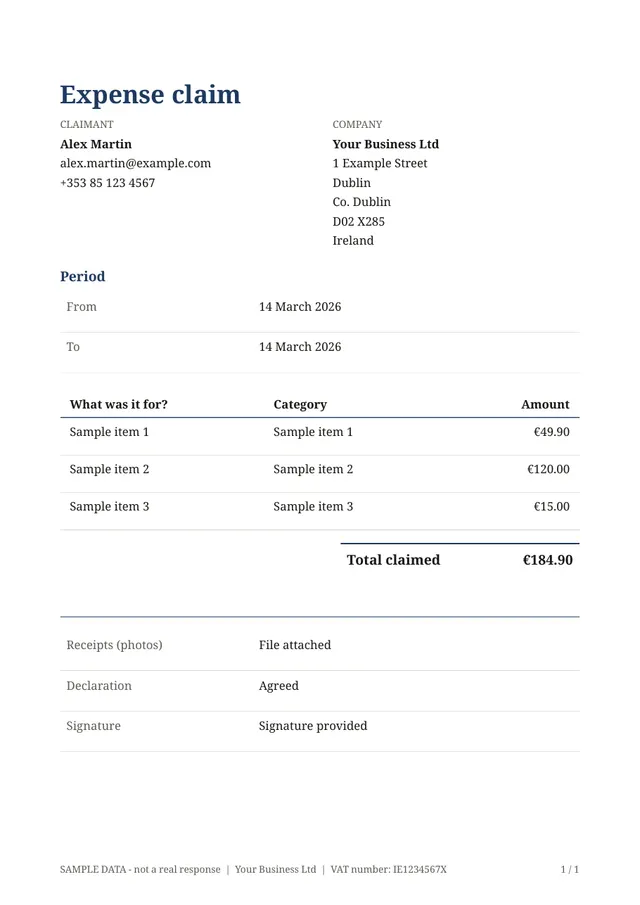 Expense claim with totalsA list of expenses with receipts; the total claimed is added up for you.
Choosing the right one
Use the quote template when you are pricing work that has not been agreed yet, the invoice template when it is time to bill, and the expense claim when someone needs to be repaid. They share the same calculated lines, so you can copy habits from one to the other.
- Add your logo and business details once in the document editor and every PDF carries them
- Check the VAT rate question before you share a form, since rates differ by country and by product
- Amounts are calculated and rounded to two decimals, which suits quotes and invoices but is not certified accounting
Questions people ask
- Are the totals really calculated for me?
- Yes. Line totals, subtotal, VAT and the total are worked out from the quantities and prices that are entered, so the PDF always matches the numbers above it.
- Can my customers pay through the form?
- No. These forms produce documents. Online payments are not part of Fillfold today.